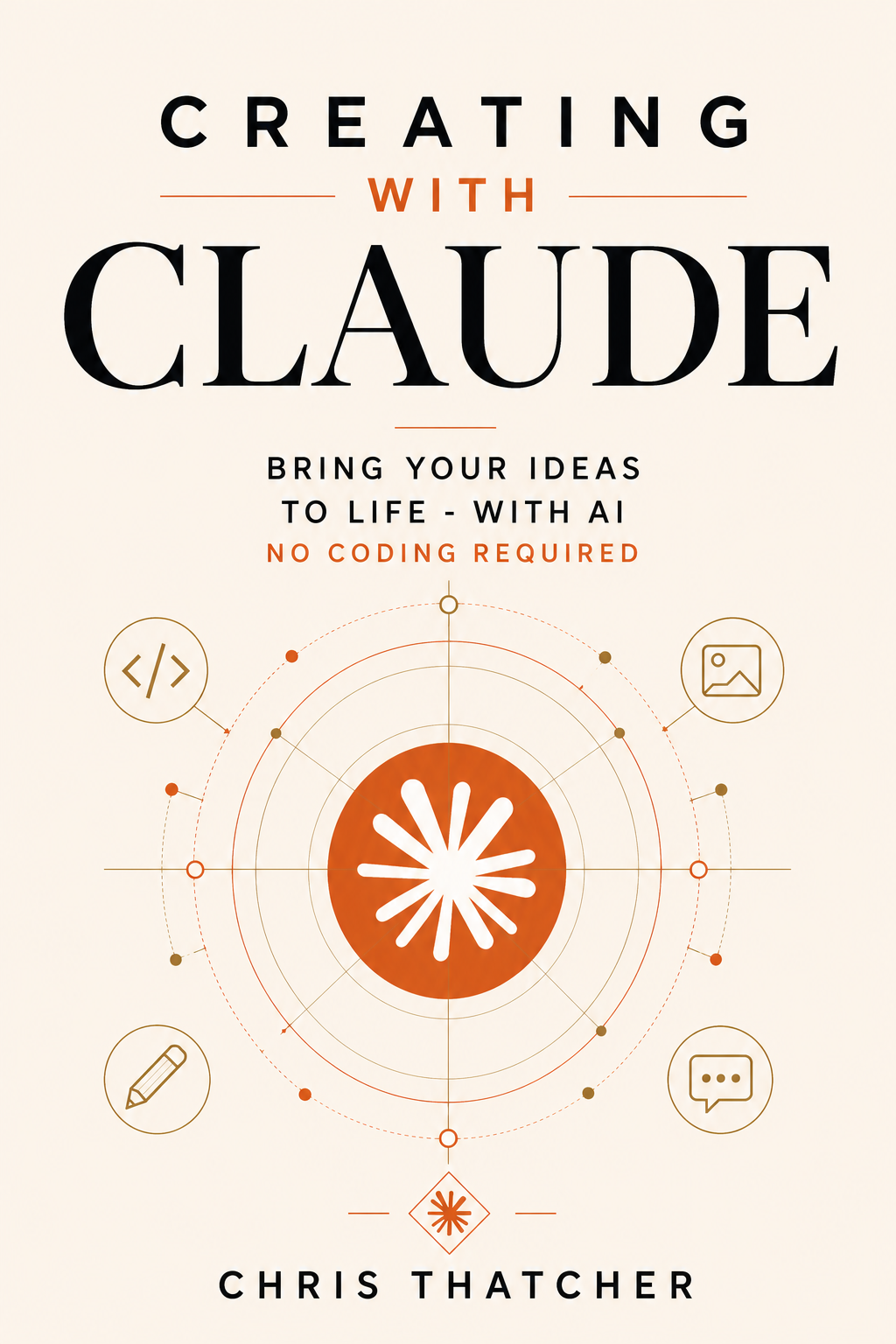
Marque AI Collection · Book One
Creating with Claude
Unleash your imagination. Build anything.
A practical, no-jargon guide to building real things with AI. Part introduction, part hands-on workshop — from curious beginner to confident creator through projects you can build from day one.
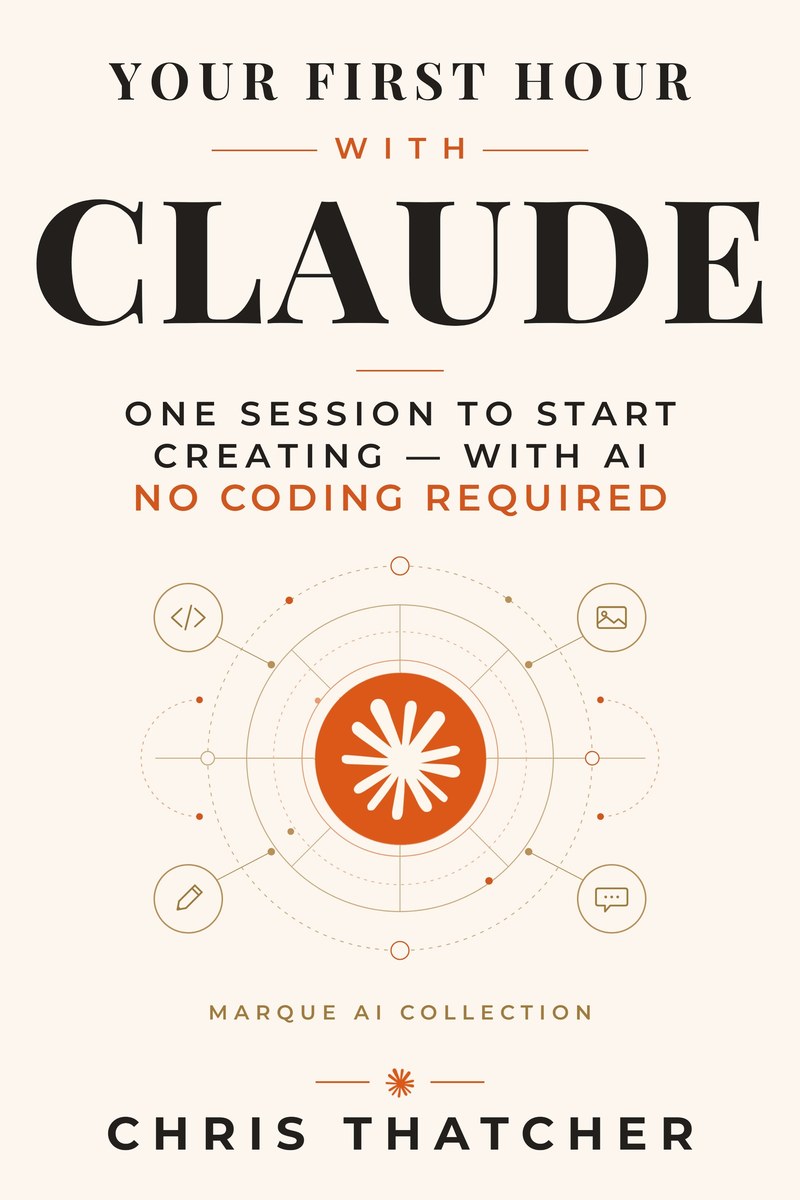 Start here for a dollar. Your First Hour with Claude — one session to start creating with AI. $0.99 on Kindle →

Early praise
What Early Readers Are Saying
“I was genuinely impressed by how easy it is to follow. Books like this are often written for more technical readers, but your style makes the concepts accessible to anyone.”
“The conversational tone instantly puts the reader at ease by following a step-by-step process. This practical guide is a must for anyone who wants to start using AI.”
“I picked this book up expecting a basic how-to and got so much more. It’s the kind of book you read with your laptop open, working and testing as you go. It has been so FUN!”
Inside the book
What You'll Build
Every chapter ends with something real. Here's a sample of the projects you'll create.
A complete website
Build and deploy a multi-page site from scratch — no coding experience required.
Professional documents
Reports, proposals, and presentations that look like a design team made them.
Business tools
Calculators, trackers, and dashboards that solve real problems.
Research projects
Deep dives with citations, fact-checking, and structured analysis.
Automated workflows
Routines that save hours every week — email digests, file processing, data pipelines.
Creative writing
Stories, blog posts, and marketing copy with an AI collaborator — without losing your voice.
Free tools
The Creating with Claude Toolkit
Six tools built during the writing of this book. Free with your email — sign up below and the starter kit lands in your inbox, then the rest of the toolkit follows over the week, one useful thing per email.
Self-publishing cost calculator
The real math behind print-on-demand vs. print runs. KDP pricing, unit costs, and break-even analysis.
Prompt Library Starter Kit
Proven prompts for the work you actually do — writing, research, planning, meetings — with the reasoning behind each one.
Custom Instructions Builder
A step-by-step worksheet that teaches your AI who you are — once — so every conversation starts smarter.
AI Readiness Self-Assessment
Ten minutes to find your starting point: which AI skills you already have and exactly where to begin.
AI Output Verification Checklist
The trust-but-verify habit from 30 years in cybersecurity, applied to AI — know when to check and how.
“What Should I Build?” Idea Generator
Twenty minutes to pick your first AI project — small enough to finish, useful enough to matter.
More tools coming
New tools go to the list first. Sign up below and you'll have them the day they drop.
The app moved? Start here
App Updates
Claude changes faster than a printed book can. Every interface change that affects the book gets logged here, newest first, with what to do about it.
Chat and Cowork now share one home
Anthropic merged the separate Chat and Cowork tabs into a single window on desktop and web. You now switch between Chat and Cowork with a selector in the bottom corner of the message box. Cowork also expanded to iPhone and the web, rolling out first to Max plans.
What it affects: Chapter 4’s Research instructions. Research still lives in Chat — instead of switching tabs, pick Chat with the selector in the message box, then turn on Research from the “+” menu as described. Everything else in the book works as written.
From the blog
Building in Public
Tutorials, behind-the-scenes posts, and lessons learned from creating with AI.
"What Should I Build?" — A Generator for Your First AI Project
The hardest part of building with AI isn't the building. It's picking a first project small enough to finish and useful enough to matter. This tool picks it with you.
Read more →Trust, But Verify — The Checklist That Keeps AI Honest
AI is confident whether it's right or wrong. After 30 years in cybersecurity, I have a habit for that. Here's the verification checklist I use on every output that matters.
Read more →Are You Ready to Build With AI? Score Yourself Honestly
Before you build anything with AI, it helps to know where you're starting from. A short self-assessment that tells you exactly where to begin.
Read more →Next in the Marque AI Collection
Writing With Claude
Your voice, amplified — not replaced.
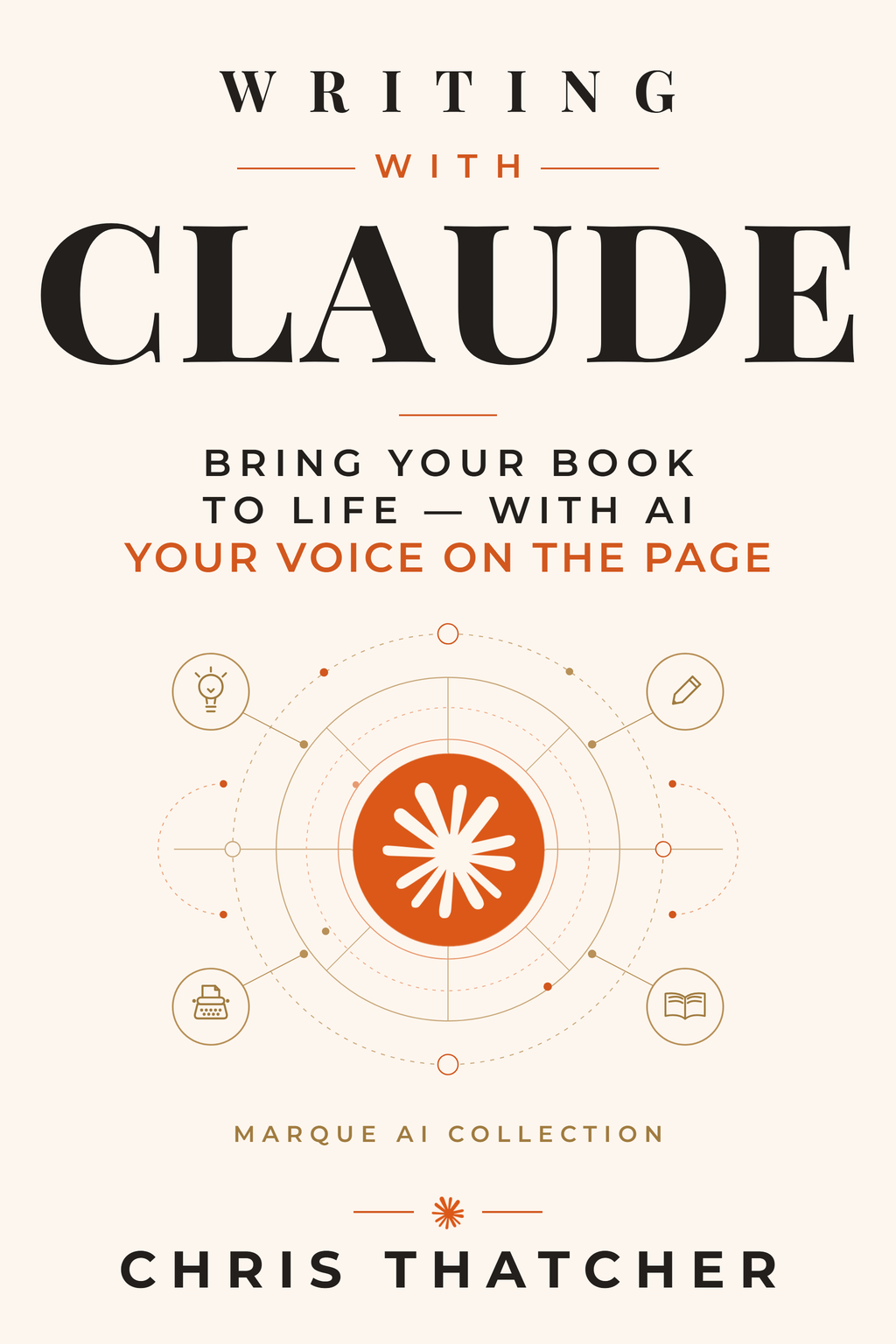
The sequel goes deep on the written word: teaching Claude to sound like you, so you write with a partner instead of from a prompt. In production now — concept cover shown. The free toolkit from the back of the book is ready.
Visit the book page & get the toolkit →
Join the conversation
Reader Comments
Read the book? Building something cool? Share your thoughts.
No comments yet. Be the first to share your thoughts.